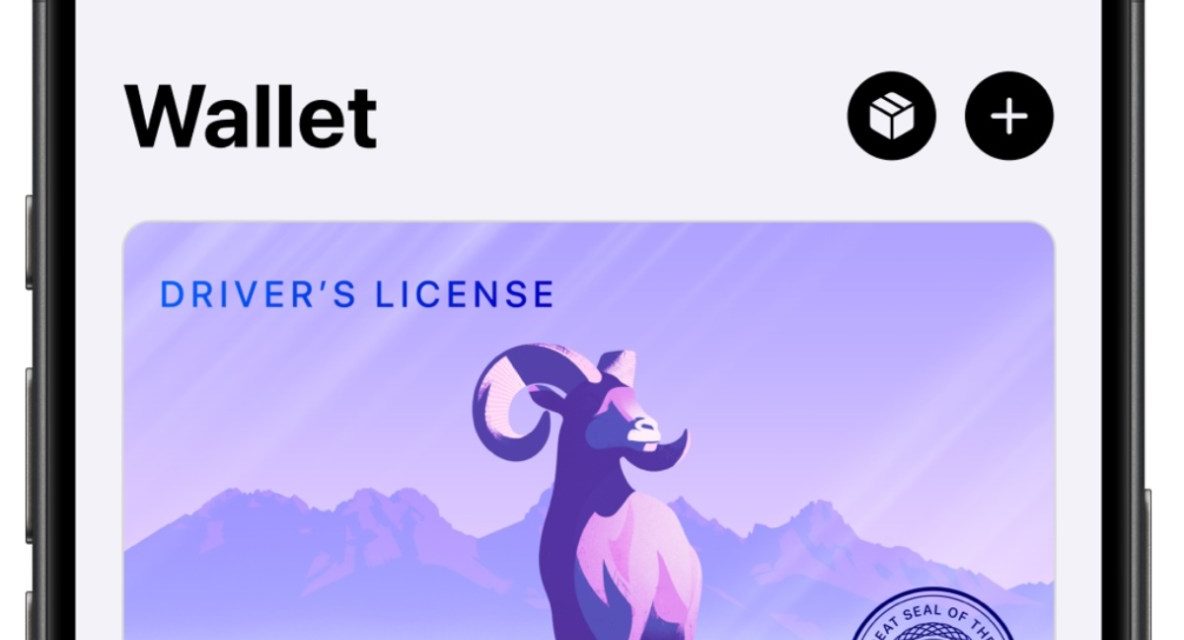
Apple’s digital driver’s license feature in the Wallet app is set to expand to Virginia following Arkansas earlier this week, according to MacRumors.
You can add s driver’s license or state ID in Apple Wallet by tapping the Add (+) button at the top of the screen in Wallet on their iPhone, selecting “Driver’s License or State ID,” and following the onscreen instructions to start the setup and verification.
You can present your ID in Apple Wallet in person, in apps, and on the web to verify their age or identity. IDs in Apple Wallet protect a user’s identity and personal information using the privacy and security features that are built into Apple devices.
Apple says that once an ID is added to Apple Wallet, personal information is encrypted on a user’s device, so others cannot access it unless a user chooses to present it. Apple and the state’s DMVs won’t know when or to whom a user presents their driver’s license or state ID.
In addition to Virginia and Arkansas the other states supporting the feature are Arizona, Maryland, Colorado, Georgia, Ohio, Hawaii, California, Iowa, New Mexico, Montana, North Dakota, West Virginia, and Illinois, as well as Puerto Rico.
I hope you’ll help support Apple World Today by becoming a patron. Almost all our income is from Patreon support and sponsored posts. Patreon pricing ranges from $2 to $10 a month. Thanks in advance for your support.
Also, check out my daughter-in-law’s “Scattered Words” website if you’re interested in unique, handcrafted jewelry made out of an array of vintage dictionaries, books, and even a few antiques.
Article provided with permission from AppleWorld.Today