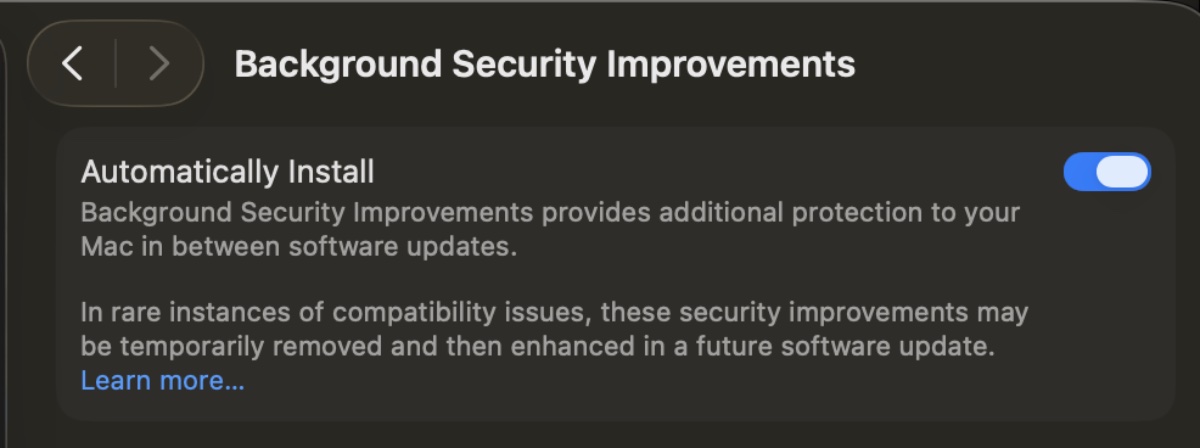
Apple is testing a Background Security Improvement feature that first rolled out in iOS 26.1, iPadOS 26.1, and macOS Tahoe 26.1, reports MacRumors.
Developers and public beta testers who are running iOS 26.3, iPadOS 26.3, or macOS Tahoe 26.3 can install the new Background Security Improvement update. Apple’s Background Security Improvements are lightweight, automatic security patches for iOS, iPadOS, and macOS, delivering fixes for Safari, WebKit, and system libraries between full updates to keep devices secure without user intervention.
They replace the earlier Rapid Security Responses (RSRs) to provide quicker, more frequent protection against vulnerabilities like those in memory handling, by applying patches silently in the background, though some OS-level changes require restarts.
Settings for Background Security Improvements can be found in the Privacy and Security menu.
On iPhone and iPad, go to Settings > Privacy & Security. On Mac, choose Apple menu > System Settings, then click Privacy & Security.
Go to Background Security Improvements and make sure that “Automatically Install” is turned on.
If you choose to turn off this setting, your device will not receive these improvements until theyʼre included in a subsequent software update.
I hope you’ll help support Apple World Today by becoming a patron. Almost all our income is from Patreon support and sponsored posts. Patreon pricing ranges from $2 to $10 a month. Thanks in advance for your support.
Article provided with permission from AppleWorld.Today