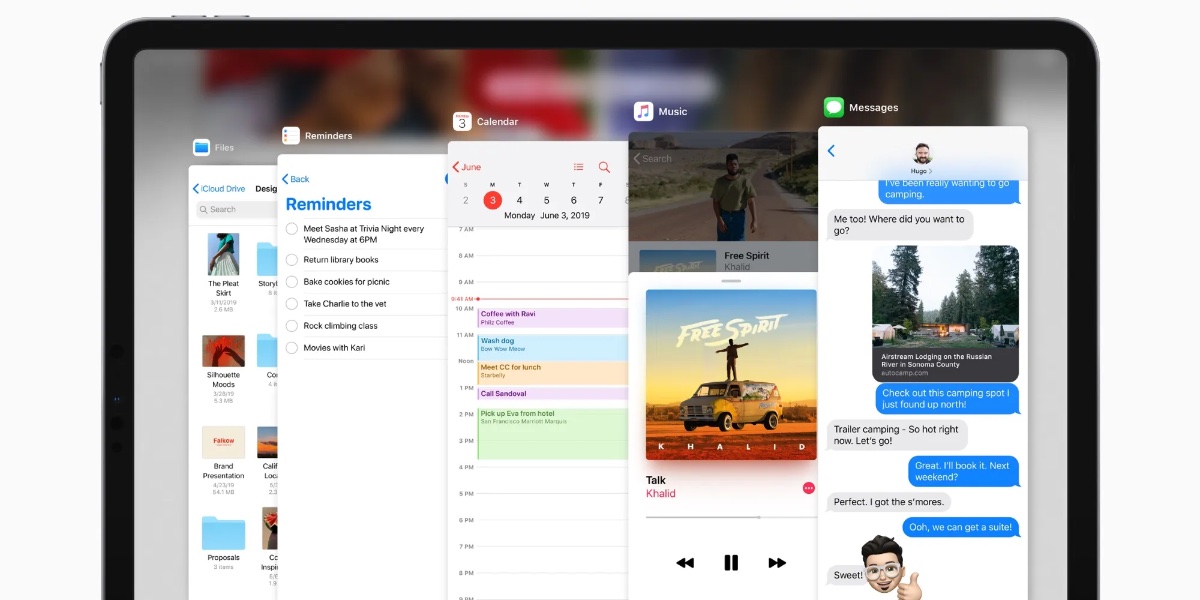
Apple has released iPadOS 26.1, which sees the return of the Slide Over feature.
Slide Over was ditched in the first version of iPadOS 26. However, apparently after much public outcry, the company wisely decided to bring it back. Well, at least it’s partially back.
The feature allows users to bring an app into a floating window by tapping the green full-screen button and selecting “Slide Over.” Users can also swipe from the side edge to activate it on larger screens. This floating window can be resized and moved around the screen, offering a quick way to access frequently used apps like Messages or Music alongside other full-screen apps, similar to its previous functionality.
With iPadOS 26.1, Slide Over is accessible from the top left corner of an app window. However, unlike before, only one app at a time can be used for a Slide Over window.
The new software can be downloaded on eligible iPads over-the-air by going to Settings > General > Software Update.
I hope you’ll help support Apple World Today by becoming a patron. All our income is from Patreon support and sponsored posts. Patreon pricing ranges from $2 to $10 a month. Thanks in advance for your support.
Article provided with permission from AppleWorld.Today