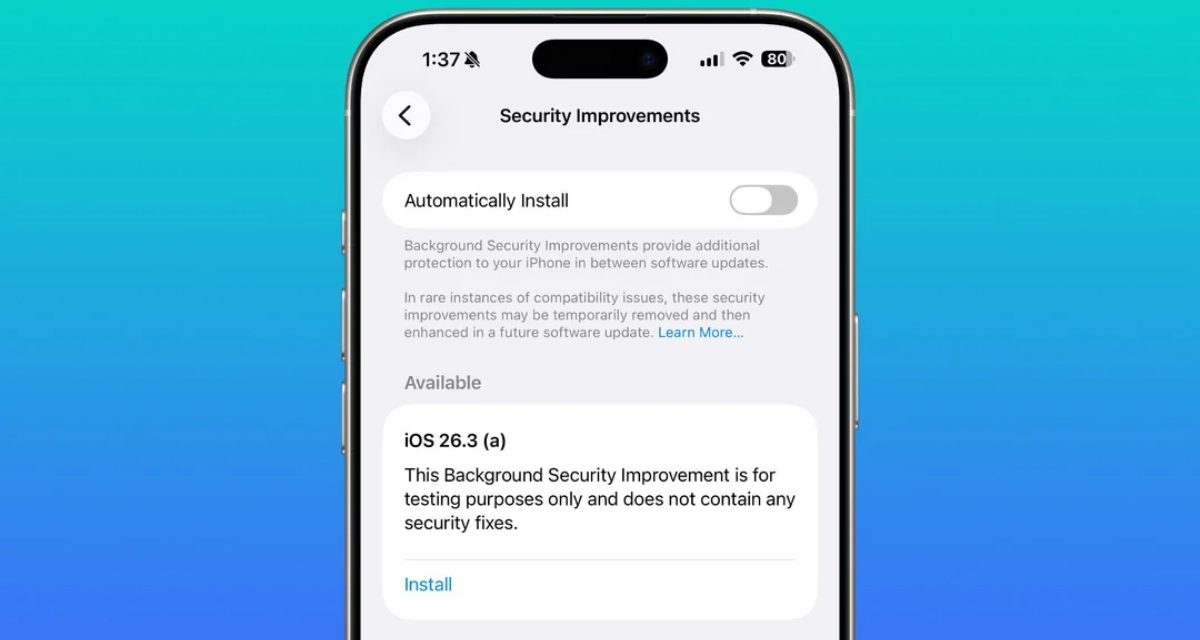
Apple has released the first Background Security Improvement (BSI) updates, which are enabled and installed automatically.
Apple says it deliver important security improvements between software updates and are available only for the latest versions of iOS, iPadOS, and macOS: iOS 26.3.2, iPadOS 26.3.1, macOS 26.3.1, and macOS 26.3.2. Specifically, the BSI upgrade addresses a WebKit vulnerability.
Apple warns that Background Security Updates can result in “rare instances of compatibility issues.” Should that occur, the updates may be temporarily removed and enhanced in another software update.
Here’s how to check for the latest Background Security Improvement release manually:
On iPhone and iPad: Go to Settings, then tap Privacy & Security.
On Mac: From Apple menu , choose System Settings. Then click Privacy & Security.
I hope you’ll help support Apple World Today by becoming a patron. Almost all our income is from Patreon support and sponsored posts. Patreon pricing ranges from $2 to $10 a month. Thanks in advance for your support.
Article provided with permission from AppleWorld.Today