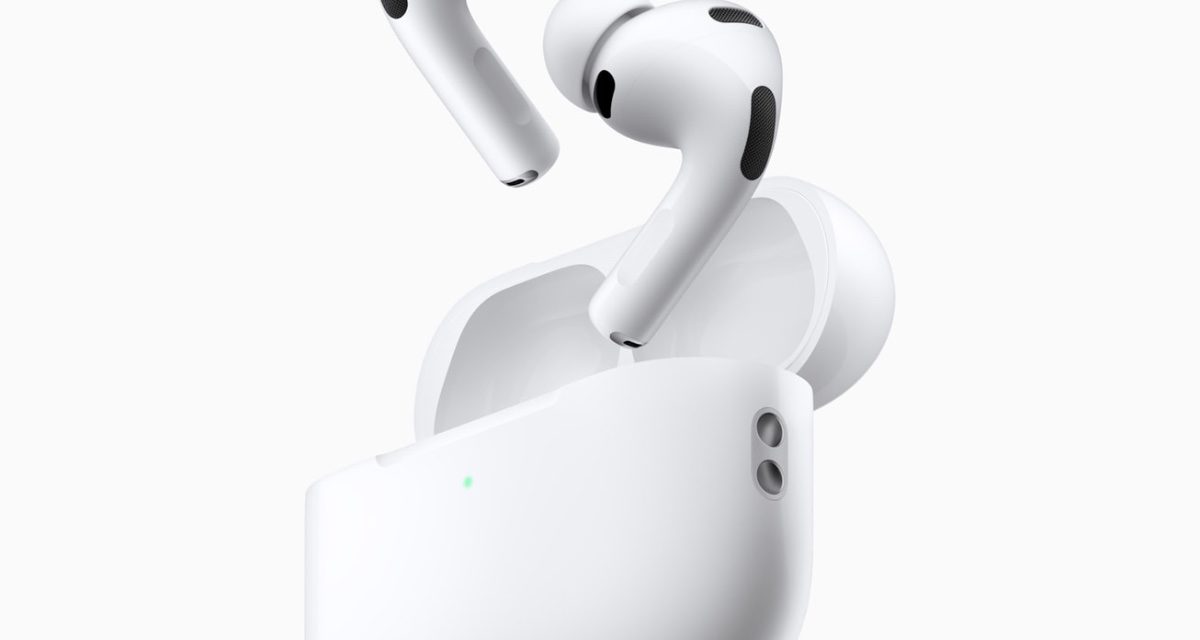
Apple has released a firmware update for the AirPods Pro 3, AirPods Pro 2, and the AirPods 4. However, the tech giant didn’t release any details on what the firmware does
After you get your AirPods Pro 3, follow Apple’s recommended steps to install the firmware update:
- Make sure that your iPhone, iPad, or Mac is updated to the latest version of iOS, iPadOS, or macOS, and that Bluetooth is on.
- Make sure that your AirPods are connected via Bluetooth to your iPhone, iPad, or Mac.
- Connect your iPhone, iPad, or Mac to Wi-Fi.
- Connect your charging case to power.
- Put your AirPods in their charging case and close the lid. Keep the lid of the charging case closed, and keep your AirPods in Bluetooth range of your iPhone, iPad, or Mac.
- Wait at least 30 minutes for the firmware to update.
- Open the lid of the charging case to reconnect your AirPods to your iPhone, iPad, or Mac.
- Check the firmware version again.
I hope you’ll help support Apple World Today by becoming a patron. All our income is from Patreon support and sponsored posts. Patreon pricing ranges from $2 to $10 a month. Thanks in advance for your support.
Article provided with permission from AppleWorld.Today