


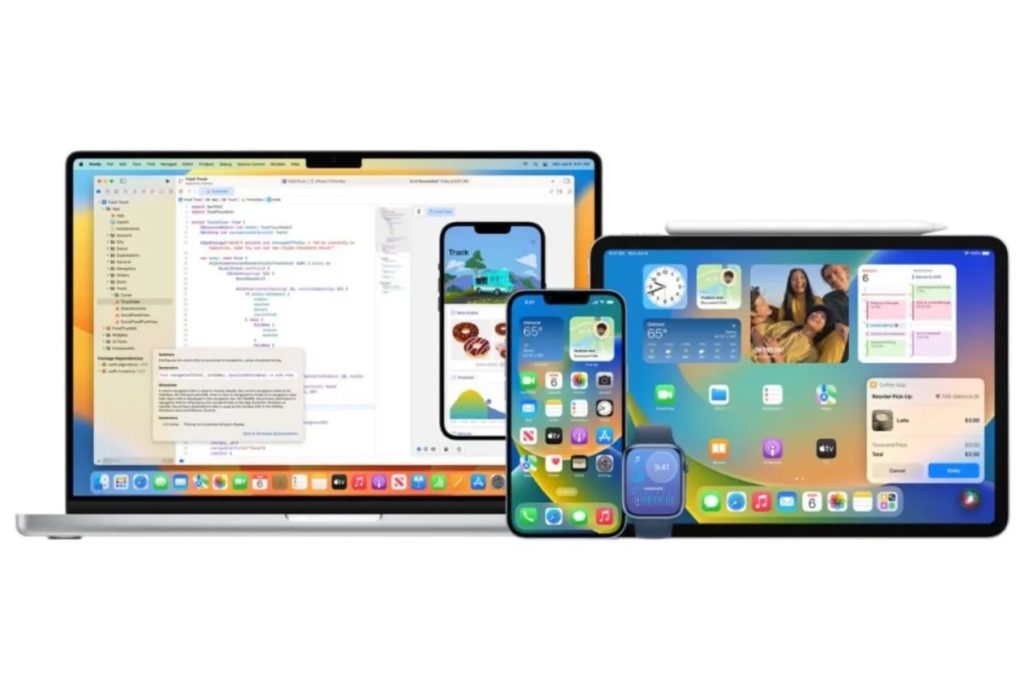
Apple has released macOS Tahoe 26.6, iOS 26.6, iPadOS 26.6, watchOS 26.6, tvOS 26.6, and visionOS 26.6.
MACOS TAHOE 26.6
According to Apple’s release notes, macOS 26.6 includes security fixes for the Mac and it optimizes Spotlight for the release of macOS 27.tweaks. macOS 26.5 can be downloaded through the Software Update section of the System Settings app.
IOS 26.6 AND IPADOS 26.6
According to Apple’s release notes, iOS 26.6 and iPadOS 26.6 include security fixes for the iPhone and iPad. The updates also optimize the Spotlight index in preparation for iOS 27 and iPadOS 27.
iOS 26.6 and iPadOS 26.6 can be downloaded on eligible iPhones and iPads over-the-air by going to Settings > General > Software Update.
WATCHOS 26.6
According to Apple’s release notes, watchOS 26.6 includes unspecified bug fixes and security updates.
It can be downloaded through the dedicated Apple Watch app on the iPhone by going to General > Software Update. To install the new software, the Apple Watch needs to have at least 50% battery and it needs to be placed on a charger.
TVOS 26.6
tvOS 26.6 is apparently a maintenance upgrade with bug fixes and performance tweaks. It can be downloaded using the Settings app on the Apple TV. Open up Settings and go to System > Software Update to get the new software. Apple TV owners who have automatic software updates activated will be upgraded to the new version of tvOS automatically.
VISIONOS 26.6
According to Apple’s release notes, visionOS 26.6 includes bug fixes and security improvements in addition to optimizing the Spotlight index for the upcoming visionOS 27 launch.
It can be downloaded on all Vision Pro headsets by navigating to the Settings app, selecting the General section, and choosing the Software Update option. To install an update, the Vision Pro headset needs to be removed, and there is a software progress bar available on the exterior EyeSight display.
Apple has also released version 26.5 of its software for the HomePod and HomePod mini. According to the release notes, it includes performance and stability improvements.
HomePod software is installed automatically on the HomePod unless the feature is disabled, but the HomePod can also be manually updated in the Home app on iPhone, iPad, or Mac by tapping on the More button, choosing Home Settings, and then selecting the Software Update option.
I hope you’ll help support Apple World Today by becoming a patron. Almost all our income is from Patreon support and sponsored posts. Patreon pricing ranges from $2 to $10 a month. Thanks in advance for your support.
Article provided with permission from AppleWorld.Today