


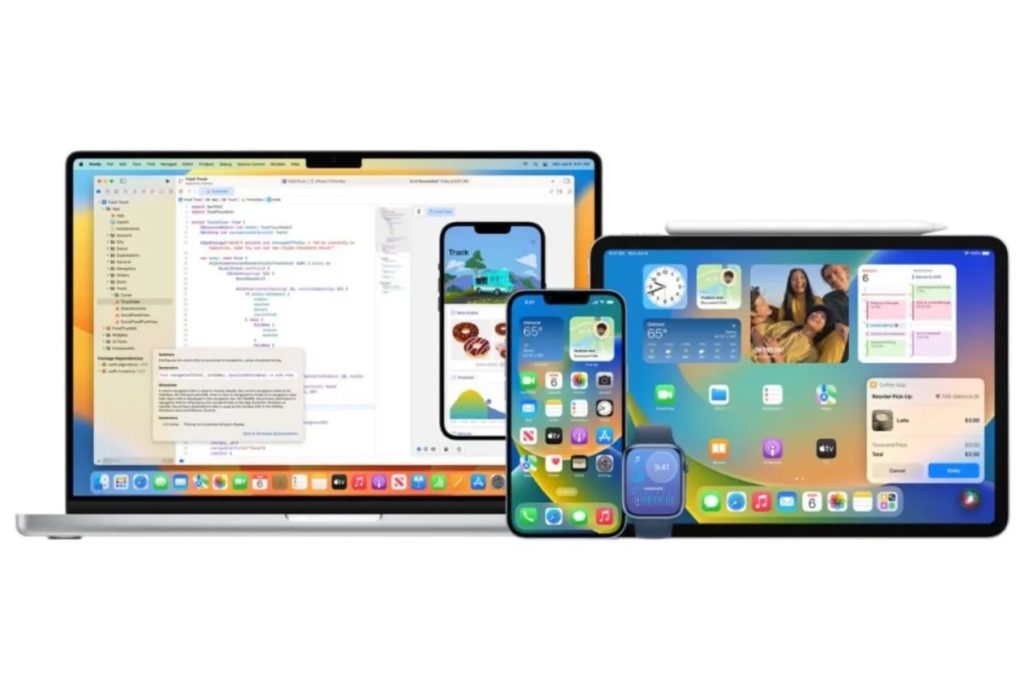
Apple has released macOS Tahoe 26.5, iOS 26.5, iPadOS 26.5, watchOS 26.5, tvOS 26.5, and visionOS 26.5.
macOS Tahoe 26.5
With macOS Tahoe 26.5, there’s a power control setting in Energy for Mac mini, Mac Studio, and iMac that enables you to power off or restart your Mac using assistive accessories like switches. There also also some bug fixes and performance tweaks. It can be downloaded through the Software Update section of the System Settings app.
iOS 26.5 and iPadOS 26.5
iOS 26.5 and iPadOS 26.5 introduces support for end-to-end encrypted RCS messaging and a downloadable Pride Luminance wallpaper. It also includes enhancements, bug fixes, and security updates.
iOS 26.5 and iPadOS 26.5 can be downloaded on eligible iPhones and iPads over-the-air by going to Settings > General > Software Update. Apple has also released iOS 15.8.8, iOS 16.7.16, iOS 18.7.9, and iPadOS 17.7.11 for older devices unable to run iOS 26 and iPadOS 26.
watchOS 26.5
According to Apple’s release notes, watchOS 26.5 includes these enhancement and bug fixes:
- Pride Luminance watch face that dynamically refracts a spectrum of colors, is available to add from the Face Gallery
– Fixes an issue where Messages on Apple Watch may use SMS instead of iMessage when paired with a dual SIM iPhone
– Fixes an issue where Workout app audio alerts could fail to play if the phone was not nearby Apple Watch
watchOS 26.5 can be downloaded through the dedicated Apple Watch app on the iPhone by going to General > Software Update. To install the new software, the Apple Watch needs to have at least 50% battery and it needs to be placed on a charger.
tvOS 26.5
tvOS 26.5 is apparently a maintenance upgrade with bug fixes and performance tweaks. It can be downloaded using the Settings app on the Apple TV. Open up Settings and go to System > Software Update to get the new software. Apple TV owners who have automatic software updates activated will be upgraded to the new version of tvOS automatically.
visionOS 26.5
visionOS 26.5 is also a maintenance upgrade with bug fixes and performance tweaks. It can be downloaded on all Vision Pro headsets by navigating to the Settings app, selecting the General section, and choosing the Software Update option. To install an update, the Vision Pro headset needs to be removed, and there is a software progress bar available on the exterior EyeSight display.
Apple has also released version 26.5 of its software for the HomePod and HomePod mini. According to the release notes, it includes performance and stability improvements.
HomePod software is installed automatically on the HomePod unless the feature is disabled, but the HomePod can also be manually updated in the Home app on iPhone, iPad, or Mac by tapping on the More button, choosing Home Settings, and then selecting the Software Update option.
I hope you’ll help support Apple World Today by becoming a patron. Almost all our income is from Patreon support and sponsored posts. Patreon pricing ranges from $2 to $10 a month. Thanks in advance for your support.
Also, check out my daughter-in-law’s “Scattered Words” website if you’re interested in unique, handcrafted jewelry made out of an array of vintage dictionaries, books, and even a few antiques.
Article provided with permission from AppleWorld.Today