


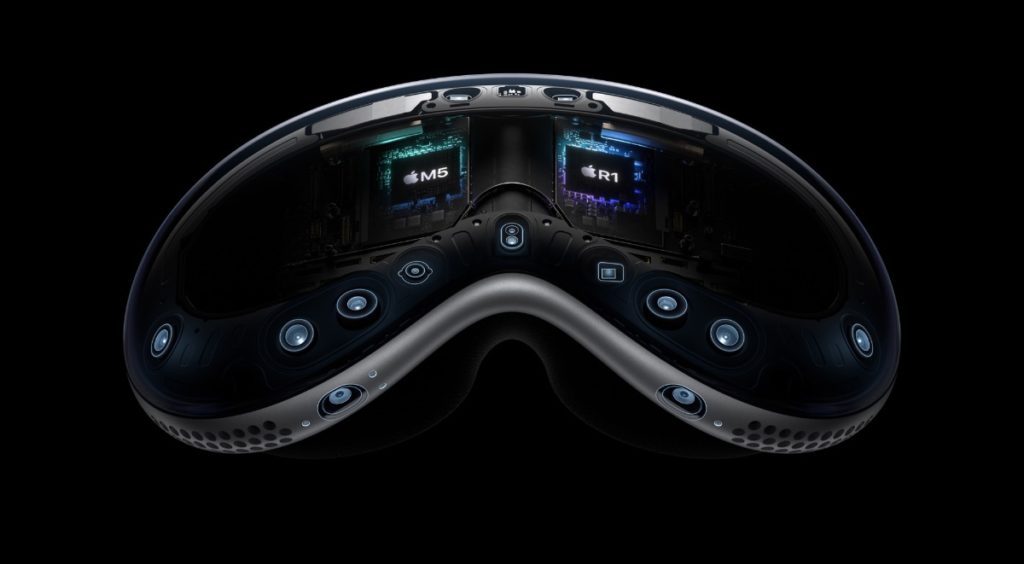
Apple has released visionOS 26.3.1 for the Apple Vision Pro. According to Apple’s release notes, the upgrade fixes a flicker issue that sometimes happens when watch sports content with MultiView in the Apple TV app.
To install visionOS 26.3.1 on your Vision Pro:
° From the Home Screen, open Settings > General > Software Update.
° Select Update Now.
° Wait for Vision Pro to finish installing the OS update. You can remove the headset while it’s updating.
I hope you’ll help support Apple World Today by becoming a patron. Almost all our income is from Patreon support and sponsored posts. Patreon pricing ranges from $2 to $10 a month. Thanks in advance for your support.
Article provided with permission from AppleWorld.Today