


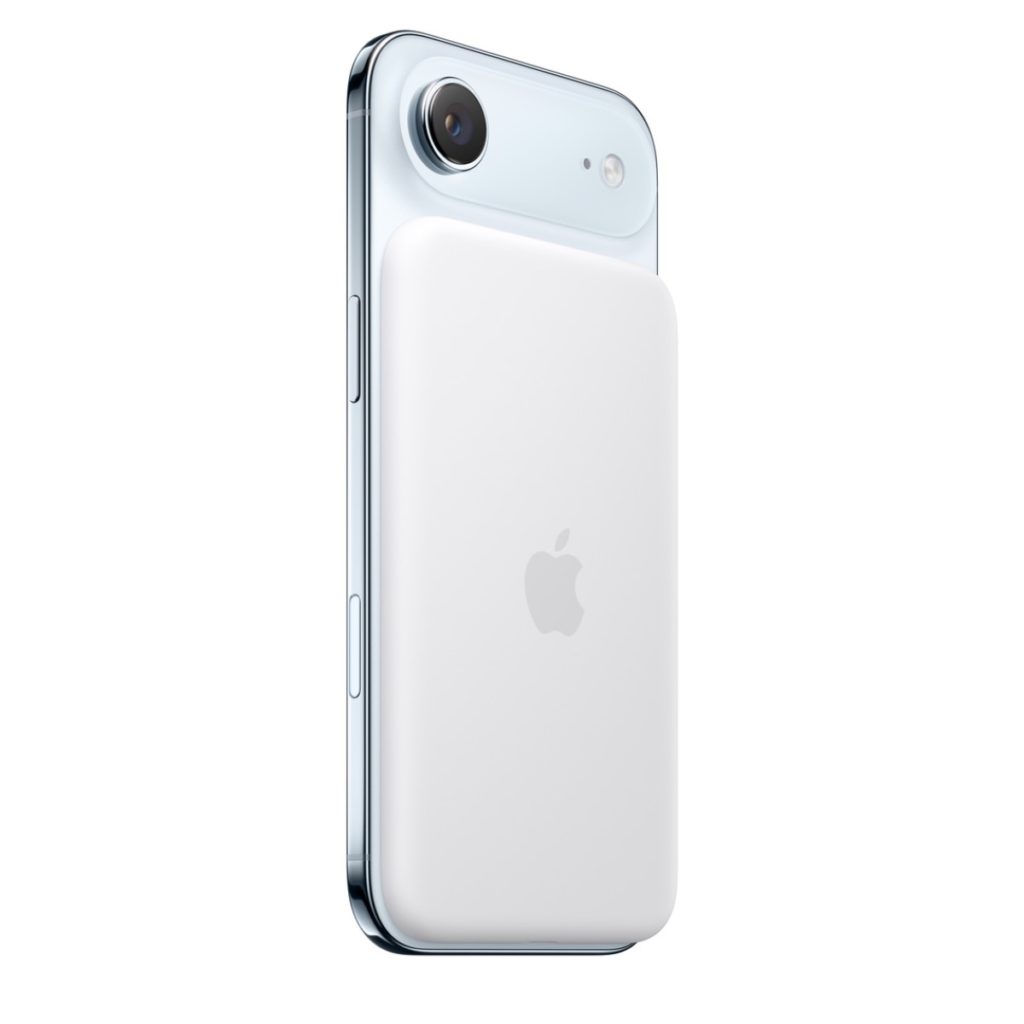
Apple has released new firmware for the iPhone Air‘s MagSafe battery accessory.
As MacRumors points out, accessory firmware updates are done quietly without the user knowing about them, so Apple doesn’t offer installation instructions. MagSafe Battery firmware should update when the battery is connected to the iPhone Air, but you can also force an update by connecting the battery pack to a Mac.
You can check the version number of the MagSafe Battery’s firmware by attaching it to an iPhone Air, then going to Settings > General > About > iPhone Air MagSafe Battery.
Article provided with permission from AppleWorld.Today